

Client project Advanced CAD Modeling Solutions
An interactive CAD viewer and a complete website rebuild for ACMS
Advanced CAD Modeling Solutions needed a way for visitors to explore its CAD work online. A focused prototype sprint produced a working viewer demonstration. The useful prototype led to a decision to continue and expand the work into a complete website rebuild, with search optimization, product QA, and owner training.
Eric Luttrell Founder & Systems Architect
These links open the ACMS website in a new tab.
Delivery timeline
Delivered in under a month
From a focused prototype sprint to a decision to continue, then a complete website and owner handoff.
Prototype sprint
One focused workflow: let visitors interact with ACMS's CAD models. A working prototype was available the same day as the initial request.
Decision to continue
The useful prototype supported a decision to continue and expand the engagement into a full website rebuild.
Continued work and handoff
Continued work covered website design, search optimization, product QA, and owner training. The full package was handed off in under a month.
See the delivery
A technical feature, connected to the business.
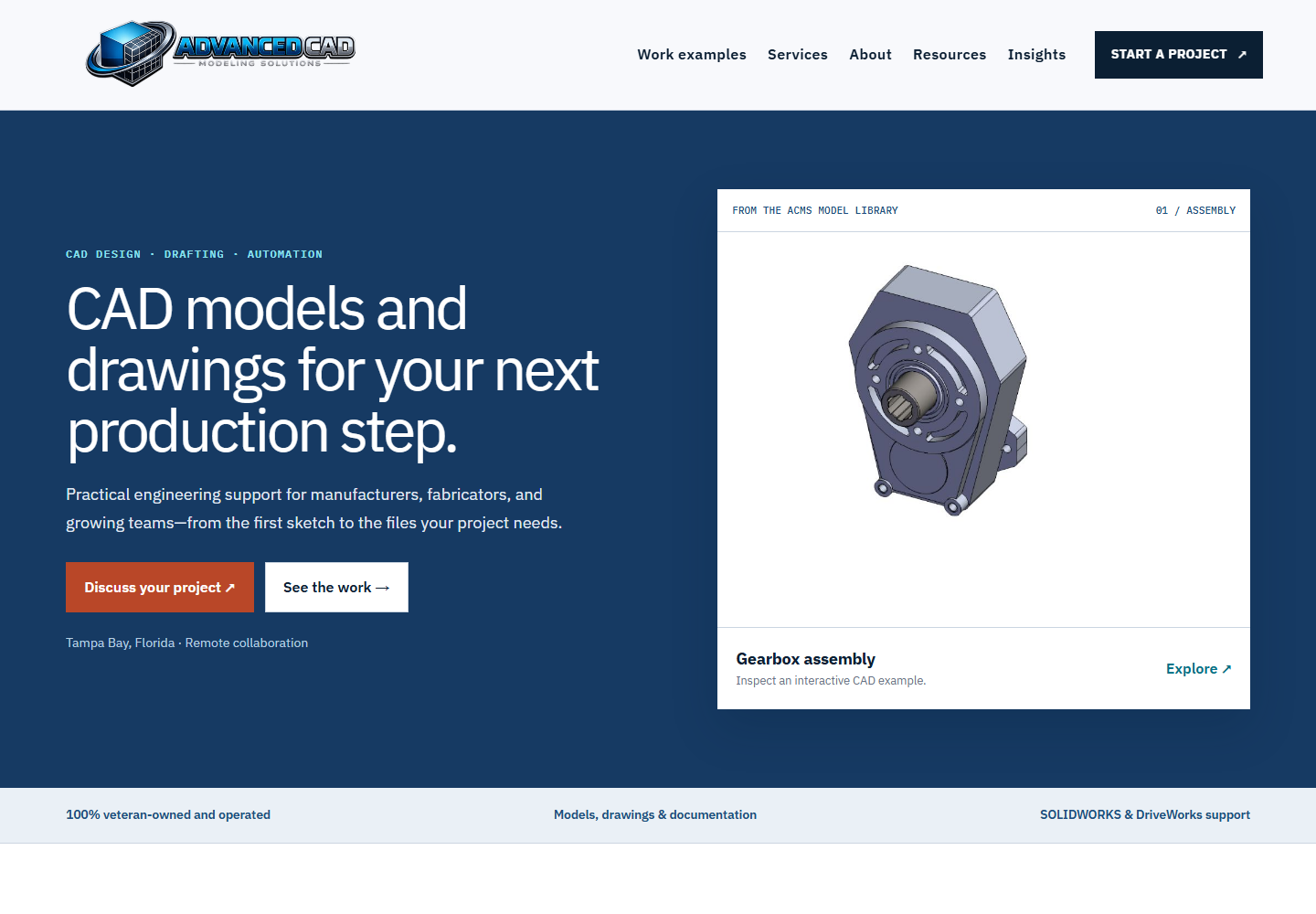
The rebuilt website introduces ACMS's services and gives visitors a way to explore its CAD work.
The request
The starting point
The initial sprint focused on one workflow: give website visitors a way to see and interact with ACMS's CAD models. The working prototype gave ACMS a concrete basis for deciding to continue and expand the work.
Delivery
What L-TTEC delivered
Interactive CAD viewing
Implemented the website's interactive CAD model viewer so visitors could explore ACMS's models.
Website design and user experience
Rebuilt the website's visual design and user experience around the viewer and the broader presentation of ACMS's work.
Search and answer engine optimization
Included search engine optimization (SEO) and answer engine optimization (AEO) work in the rebuild, addressing how the site presents content for search and answer-based discovery.
AI training for the owner
Taught the owner how to use AI to assist with website management.
Quality assurance across the product
Performed quality assurance across the delivered website and CAD-viewing experience.
Engineering decisions
Build around what visitors need to do.
Preview models before loading interactive files
The model library presents lightweight previews so visitors can choose a model before loading it. Interactive model files download when the visitor selects Load model.
Connect the viewer to the surrounding website
The viewer formed part of a complete website rebuild, connecting the technical feature with how ACMS presents its work to visitors. Design and user experience covered the feature and the surrounding site.
Launch review
Check key visitor journeys.
Recorded review: September 9, 2026
- Pages reviewed
- 34
- CAD models checked
- 11
- Automated tests passed
- 167
The launch review checked navigation, form validation, metadata, keyboard controls, model loading, and booking handoffs at desktop and mobile viewport sizes. The build and TypeScript checks also passed.
The review led to fixes for mobile booking navigation and unnamed article links. Findings and remaining platform limitations were documented as part of the review.
Owner handoff
Include the person managing the site.
AI-assisted website management
Eric taught the ACMS owner how to use AI to assist with website management. Owner training was part of the delivery alongside the viewer and rebuilt site.
Result
The delivered result
The engagement progressed from a focused prototype to an expanded delivery. The working CAD viewer supported the decision to continue; the follow-on work connected that feature with the complete website, product QA, and owner training. The full package was handed off in under a month.